Completely Free
Turn Text into AI Videos
No subscription, no credit card, no limits, no high-end GPU needed. Powered by free AI models, it turns your text ideas into narrated, subtitled multi-scene AI videos with a single click. We believe world-class AI should belong to everyone. Want to use Agnes AI's free video models? This is the simplest tool for it.
What Is AI Video Generation?
AI video generation (text-to-video) is the technology of entering a text script and having an AI model automatically produce a video with voiceover narration, subtitles, and multiple scenes. Agnes Video Generator is built on the completely free Agnes AI model: no subscription, no graphics card, no usage limits. According to official project data, the tool supports 22 interface languages, serves 1K+ active creators, and is open source under the MIT license, letting ordinary users produce professional-grade short videos with narration and subtitles in a single click in the browser.
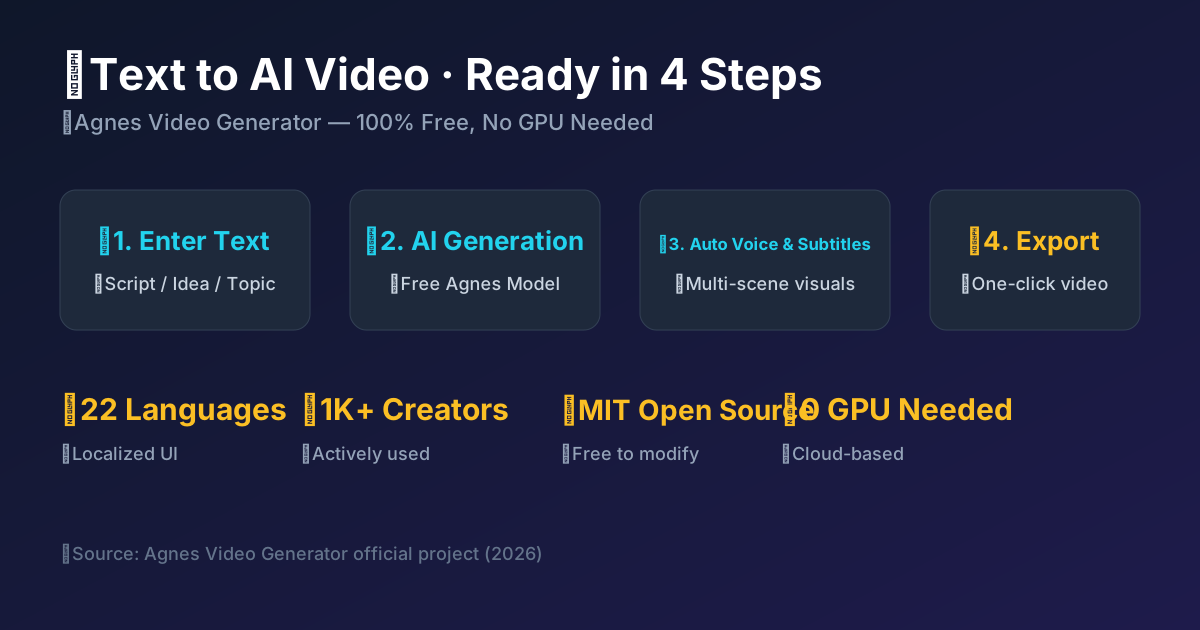
Agnes Video Generator vs. Traditional Solutions
| Dimension | This Tool | Traditional/Paid Solutions |
|---|---|---|
| Cost | Completely free | Monthly subscription or pay-per-use |
| Hardware | No GPU needed, runs in the cloud | High-end GPU or local rendering required |
| Open Source | MIT license, self-hostable | Closed source, proprietary |
| Learning Curve | Enter text and generate in one click | Requires learning editing/modeling |
For technical details and model capabilities, see Agnes AI Official API Documentation
From hands-on reviews to platform guides, find the perfect free AI video solution for your needs
2026 Tool Landscape Review
One matrix compares 18 mainstream AI video tools: open-source models, online platforms, and free APIs scored on every dimension — start without a GPU
Three Camps Compared
Industrial online, open-source local, and free API tools in one table: price, GPU needs, and who each fits
7 Output Types
Short drama, promo, poetry animation, e-commerce, digital anchor — what AI video can do, in one page
Complete Pipelines
The right tools and steps for each video type: from idea to finished video, just follow along
Every clip here was really generated with Agnes Video Generator, and each one comes with the exact prompt and settings behind it — copy them and reproduce the result yourself.
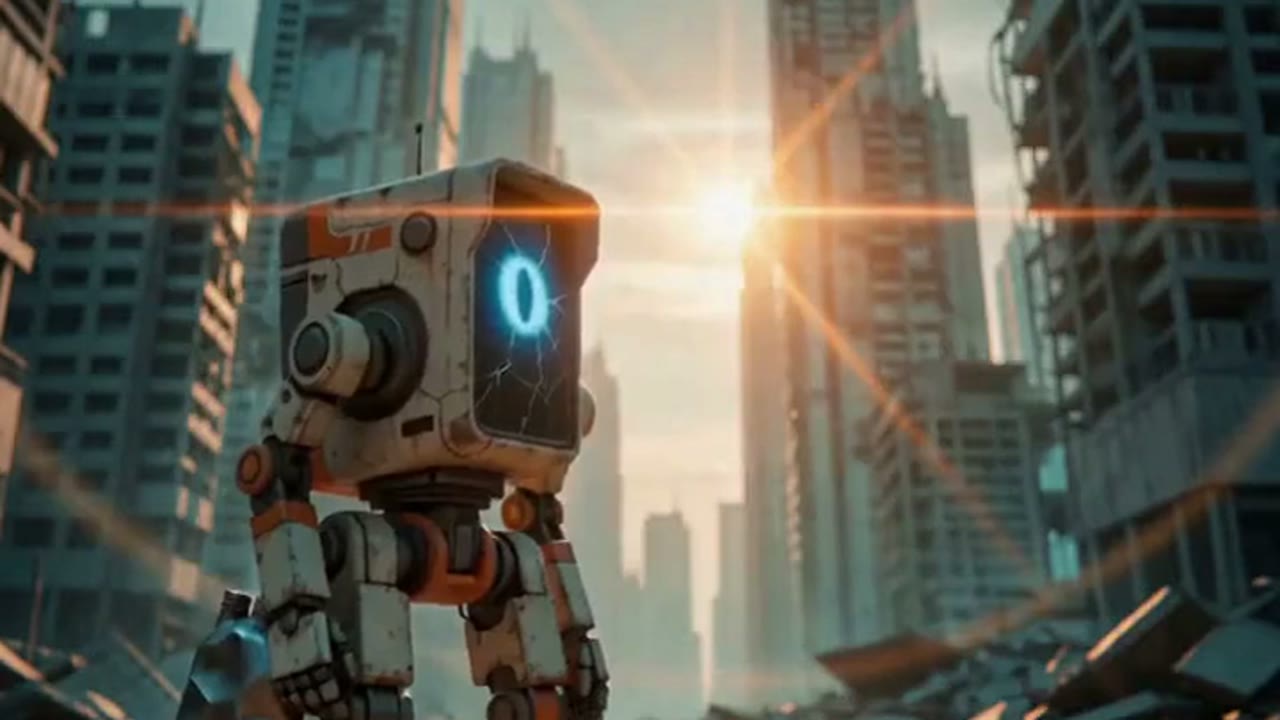
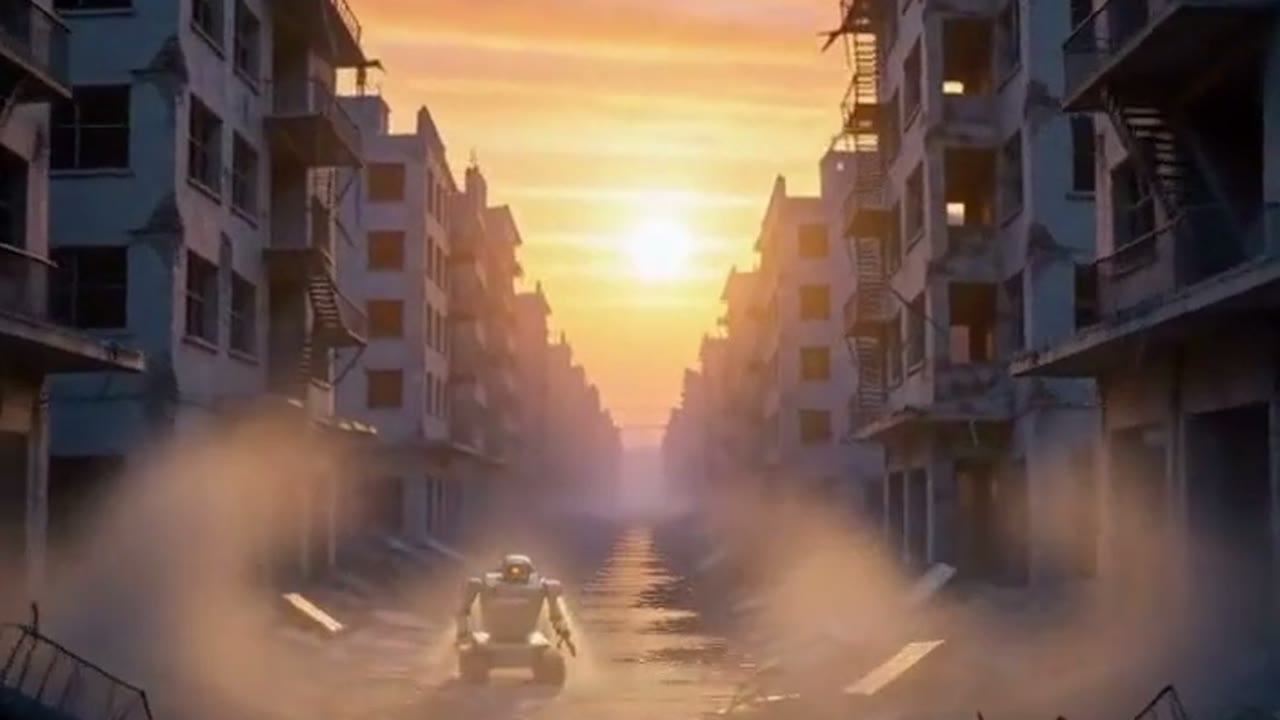
The barrier to making AI videos today is absurd. Overseas services charge tens of dollars a month, Chinese platforms bill you by the second once the free quota is gone, and running open-source models locally means buying a GPU that costs well over ten grand. We think AI should be a more equal capability, and that world-class AI belongs to everyone. With Agnes AI's free video models you don't write a single line of code.
AI Equity Vision
"The solution is not to suppress AI, but to make it a more equitable capability, so that everyone knows how to create more with AI." — Bruce Yang, Founder of Agnes AI
Zero-Cost AI Video
Text, image, video, and TTS narration — every AI capability here is completely free, powered by Agnes AI's free video models. No watermarks, no token limits. You don't need a high-end GPU because everything runs in the cloud, and there's no coding involved.
Five Creation Modes
Simple Video, Creative Video, Manuscript Video, Poetry Video, and Digital Anchor. Whether you want a quick single clip or a full story film, there's a mode that fits.
AI Narration & Subtitles
Free Microsoft Edge TTS with 4 Chinese voice roles. Auto-generated word-level subtitle timestamps with multi-line wrapping and full style customization.
Multilingual Interface
Available in 22 languages: Chinese, English, German, French, Dutch, Spanish, Portuguese, Italian, Russian, Japanese, Korean, Malay, Indonesian, Hindi, Turkish, Vietnamese, Bengali, Thai, Filipino, Arabic, Urdu, and Persian. Accessible to users worldwide.
Advanced Creative Controls
Character reference images, custom end frames, three video chaining modes (keyframes/ti2vid/none), multiple resolutions and durations.
Production-Grade Features
Checkpoint resume (auto-recover from interruptions), WebSocket real-time progress, task management, and in-page API key configuration.
From idea to video in three simple steps.
Enter Your Idea
Describe your video concept — whether it's a simple scene description, a complete story idea, or a long article you want to turn into a video.
One-Click Generate
Click 'Start Generating'. AI automatically handles story writing, scene generation, narration synthesis, subtitle overlay, and video concatenation.
Download & Share
Once complete, download your final video with narration and subtitles, ready to publish on social media platforms.
From quick clips to complete stories and digital anchor presentations — there's a mode for every need.
Simple Video
Single prompt to single AI video. Full parameter control over mode, duration, resolution, seed, and negative prompt. Perfect for quick one-shot video clips.
Creative Video
Full AI pipeline: idea → story → script → character reference → multi-scene video → TTS narration → subtitles → final output. Ideal for storytelling and short films.
Manuscript Video
Paste a long article or script, AI auto-splits into segments, generates per-segment videos, adds unified TTS narration and subtitles. Great for explainers and course content.
Poetry Video
Paste a poem, AI splits it line by line: the original verse becomes narration and subtitles, visuals are generated per line, then stitched into an atmospheric short. Great for classical poetry and mood animation.
Digital Anchor
AI-generated digital anchor (or upload custom image) → dynamic anchor clip with TTS narration and subtitles → looped concatenation for a complete anchor video.
Learn about the complete journey of building this project from scratch.
SandGrid@lcy362
Author of Agnes Video Generator · Full-stack Developer
A detailed development chronicle covering the full journey of Agnes Video Generator, from the initial idea to the shipped product. It walks through technology choices, architecture, multilingual support, and the AI integration problems we hit along the way. Whether you're into AI video generation or just curious how open-source projects get built, it's worth a read.
View on GitHubRead the full development story →Join the community and create AI videos together
Join the Agnes community to share your creations, ask questions, and help shape what we build next.
Enter CommunityReady to Start Creating?
"Making world-class AI belong to everyone." — Bruce Yang. It's completely free, no credit card, and you won't need a high-end GPU. Your first AI video starts at zero cost. Want to use Agnes AI's free video models? This is the easiest way in.
Clone the GitHub repo and launch in 2 minutes